Effective insurance CRM: a step-by-step guide for P&C leaders

Property and casualty insurers are under pressure from every direction. Policyholders expect instant responses, personalised service, and frictionless renewals, yet most operational teams are still juggling spreadsheets, disconnected systems, and manual follow-up queues. The result is lost renewals, compliance gaps, and staff burnout. A purpose-built CRM, implemented correctly, can reverse all three. This guide walks P&C executives through every stage of the process, from understanding what makes insurance CRM distinct, to configuring automation that measurably lifts retention and reduces administrative drag.
Table of Contents
- Understanding the unique needs of P&C insurance CRM
- Preparing for CRM adoption: data, integrations, and user roles
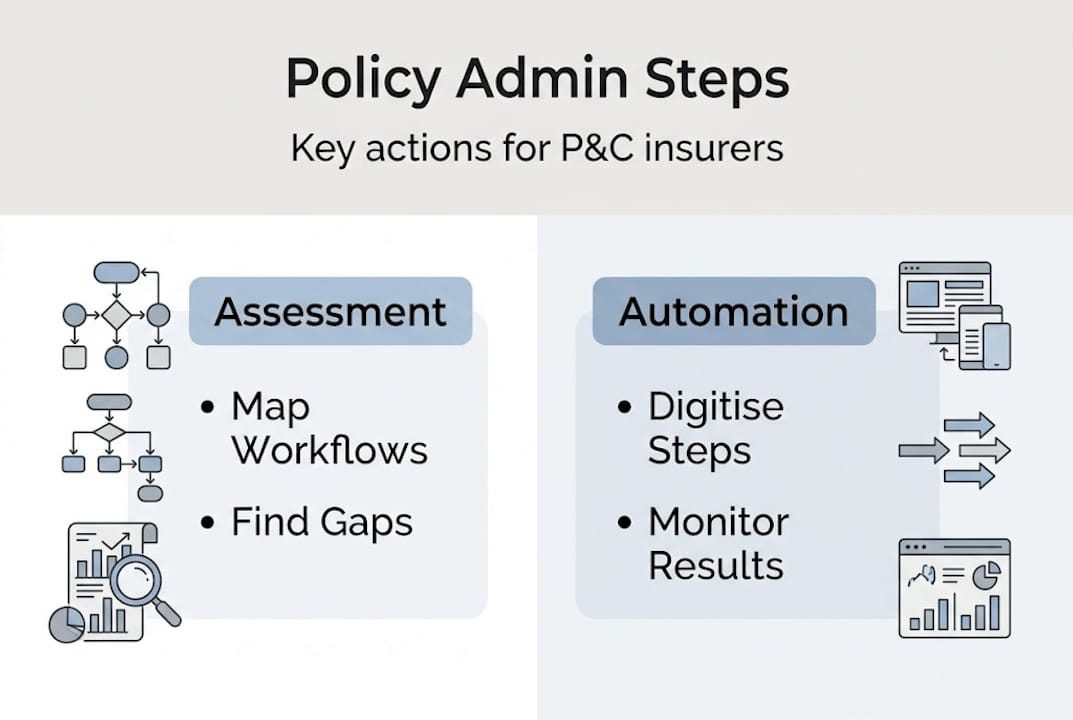
- Implementing insurance CRM: workflows and automation best practices
- Driving retention and engagement: AI, analytics, and continuous optimisation
- Why most insurance CRM rollouts fall short — and how to fix it
- Unlock your next step with expert CRM guidance
- Frequently asked questions
Key Takeaways
| Point | Details |
|---|---|
| P&C CRM must-haves | Policy tracking, endorsements, compliance logging, and multi-contact support are essential for effective property and casualty insurance CRM. |
| Integration is critical | Seamless links with AMS, quoting, and communications platforms enable smooth CRM operation and regulatory compliance. |
| Automation drives retention | Automated workflows increase client engagement and boost retention rates by making each renewal and claim highly responsive. |
| Leverage analytics and AI | Use CRM data to optimise engagement, reduce churn, and personalise service for long-term growth. |
| Culture of improvement | Continuous learning and adaptation ensure CRM investments deliver lasting operational benefits. |
Understanding the unique needs of P&C insurance CRM
Not all CRM platforms are built for the complexity of property and casualty insurance. A generic sales CRM tracks contacts and deals. An insurance CRM must track policies, endorsements, certificates, renewals, claims interactions, and compliance events, often across multiple contacts within a single commercial account. That is a fundamentally different data model.
Key mechanics include policy lifecycle tracking from quote to renewal, automated workflows for endorsements, claims coordination, lead scoring, pipeline management, and role-based permissions. Without these, your team is constantly bridging gaps between systems rather than serving clients.
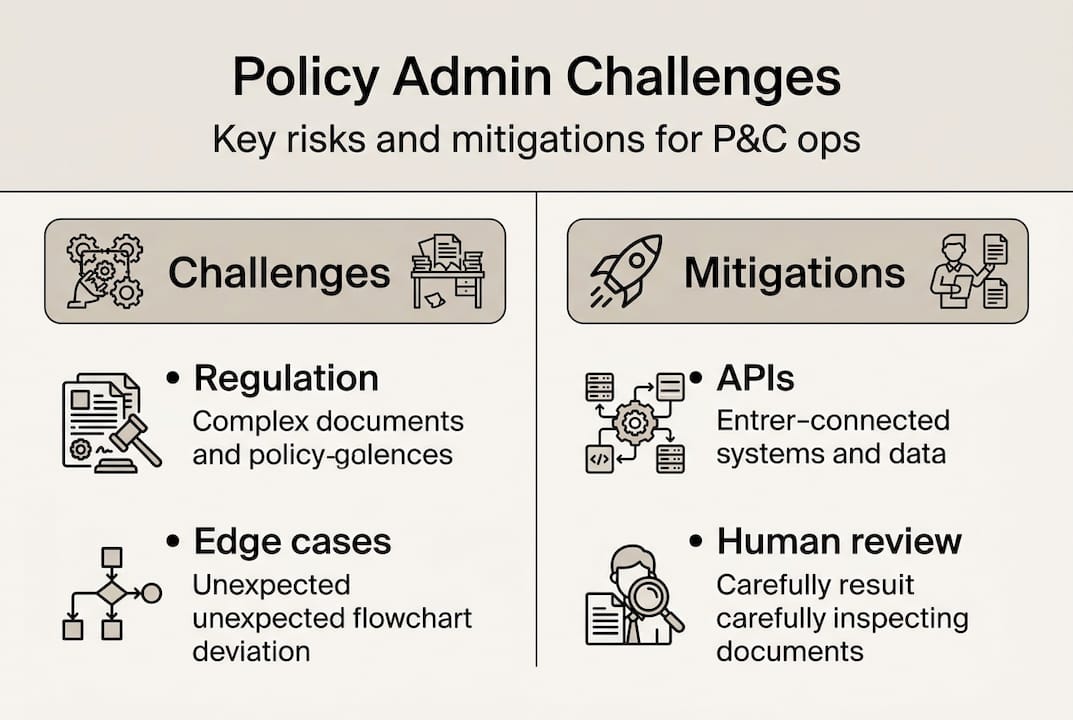
The edge cases are where generic CRMs fall apart entirely. P&C-specific requirements include endorsement and certificate handling, compliance logging for errors and omissions (E&O), managing first-year retention which is typically lower than multi-year cohorts, and supporting commercial accounts where several contacts share one policy. These are not edge cases in P&C. They are the everyday reality.
Here is how a purpose-built insurance CRM compares to a generic platform:
| Capability | Generic CRM | Insurance CRM |
|---|---|---|
| Policy lifecycle tracking | No | Yes |
| Endorsement and certificate workflows | No | Yes |
| E&O compliance logging | No | Yes |
| Multi-contact commercial accounts | Limited | Full support |
| Renewal automation | No | Yes |
| Claims coordination | No | Yes |
| Role-based permissions by function | Basic | Granular |
The gap is significant. Firms that try to adapt a generic CRM to insurance workflows typically spend more time on customisation than on client engagement. The top CRM features for P&C worth prioritising are those that align directly with the insurance value chain, not generic sales pipelines.
Key functional requirements for any P&C CRM:
- Policy management: Quote, bind, endorse, renew, and cancel within a single record
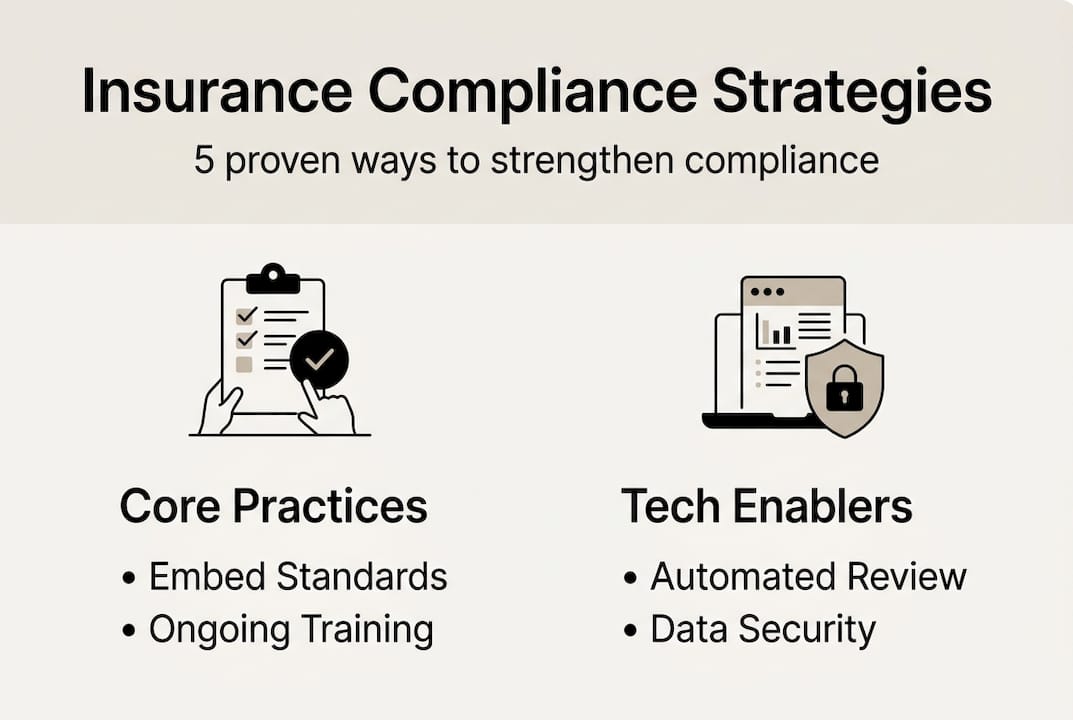
- Compliance logging: Automatic E&O audit trails for every client interaction
- Certificate issuance: Rapid generation and tracking of certificates of insurance
- Multi-contact accounts: Link brokers, risk managers, and finance contacts to one commercial account
- Claims visibility: Real-time status updates accessible to service and sales teams
“The most common mistake we see is insurers selecting a CRM based on price or brand recognition, then discovering it cannot handle endorsements or E&O logging without expensive custom development.”
Understanding these requirements before you evaluate vendors saves months of rework and prevents costly misalignments between your CRM and your actual workflows.
Preparing for CRM adoption: data, integrations, and user roles
With the requirements defined, the next step is preparation. A CRM rollout without solid groundwork almost always stalls within six months. The three pillars of preparation are data quality, integration architecture, and user role design.

Data sources to consolidate first:
Before any configuration begins, identify and cleanse the data that will populate your CRM. The most critical sources are:
- Policy records from your agency management system (AMS)
- Client contact and communication history
- Claims records and resolution timelines
- Renewal dates and lapse history
- Producer and broker attribution data
Poor data quality at the start creates compounding problems. Duplicate records, missing renewal dates, and misattributed policies undermine every automation you build on top of them.
Integration checklist:
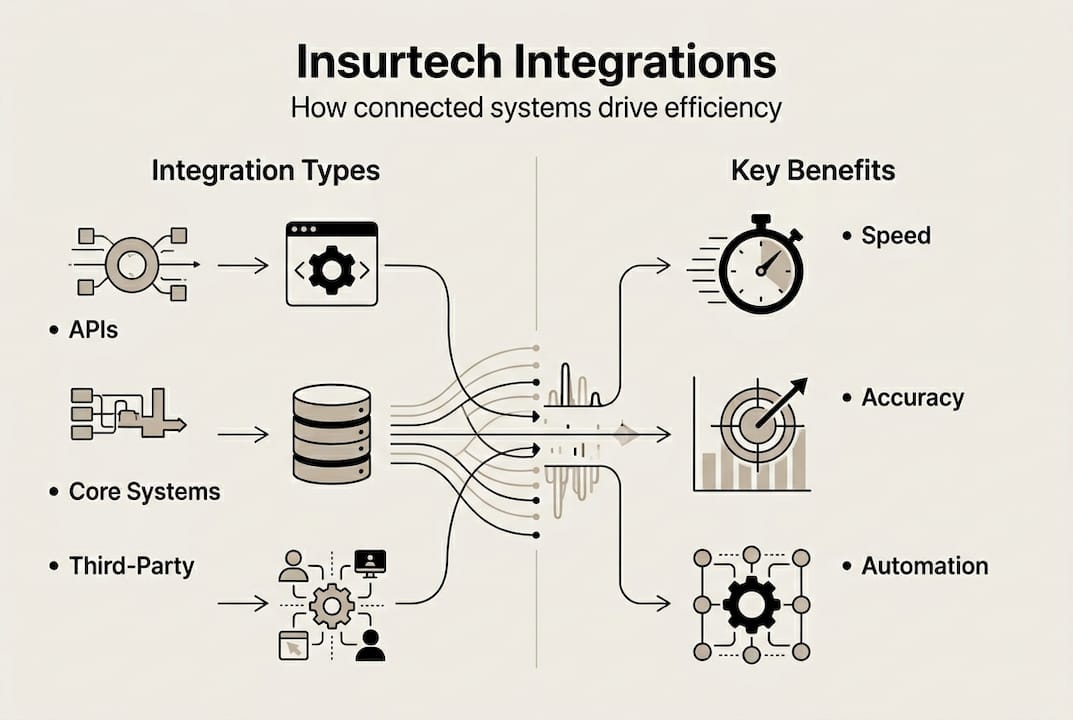
Integrations essential for a functioning insurance CRM include your AMS (such as Applied Epic or AMS360), email and VoIP platforms, quoting engines, and AI tools for churn prediction and claims triage. Each integration point needs a clear owner, a data mapping document, and a test plan before go-live.
| Integration | Purpose | Priority |
|---|---|---|
| AMS (Applied Epic, AMS360) | Policy and client data sync | Critical |
| Email and VoIP | Communication logging | Critical |
| Quoting platforms | Pipeline and conversion tracking | High |
| Claims systems | Status visibility for service teams | High |
| AI and analytics tools | Churn prediction, triage | Medium |
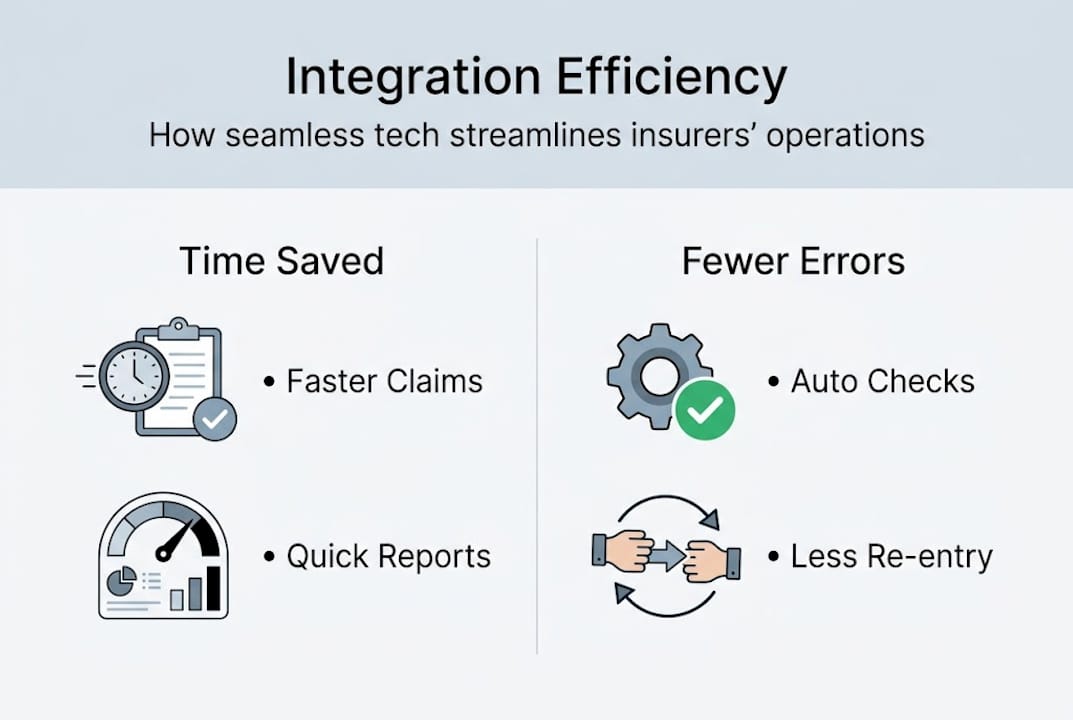
For a detailed breakdown of how these connections work in practice, the insurance CRM integration whitepaper covers API-first approaches that reduce manual data entry and keep records in sync across systems.
User roles and permissions:
Every user group in your organisation interacts with the CRM differently. Underwriters need policy and risk data. Brokers need pipeline and client communication tools. Claims handlers need FNOL (first notice of loss) records and status workflows. Compliance officers need audit logs and E&O documentation. Designing role-based permissions before go-live prevents data leakage and ensures each team sees only what they need to act effectively.
Workflow dependency mapping is equally important. Before you configure a single automation, draw out how a new quote becomes a bound policy, how an endorsement request flows from client to underwriter to issuance, and how a renewal reminder sequence connects to your AMS. For firms navigating regulatory complexity, managing insurance compliance through your CRM requires these dependencies to be explicit from day one.
Pro Tip: Run a two-week data audit before your CRM go-live date. Identify duplicate client records, missing renewal dates, and unattributed policies. Fixing these before migration saves far more time than cleaning them up post-launch.
Implementing insurance CRM: workflows and automation best practices
With clean data and a clear integration plan in place, the focus shifts to configuration. This is where most of the operational value is created, and where most projects also go wrong through over-engineering.
Step-by-step workflow setup:
- Quote to policy issuance: Map every handoff from lead entry to bound policy. Configure automated tasks for each stage: quote sent, follow-up call scheduled, underwriting submitted, policy issued.
- Endorsement handling: Build a request intake form that triggers an underwriter task, a client acknowledgement email, and a compliance log entry automatically.
- Renewal sequences: Set automated reminders at 90, 60, and 30 days before expiry. Each touch should include personalised policy details pulled from your AMS.
- Claims FNOL capture: Create a structured intake workflow that logs the first notice of loss, assigns a handler, and sends the client a confirmation with next steps.
- Lead follow-up sequences: Configure immediate email responses, a 30-minute call task, and a four-hour SMS follow-up for every new inbound lead.
Automation workflows for new leads should trigger an immediate email, a 30-minute call task, and a four-hour SMS. Renewal reminders should fire at 90, 60, and 30 days before expiry. Claims workflows should capture FNOL and route for triage and status tracking automatically.
“Speed matters more than most insurers realise. A lead contacted within five minutes is dramatically more likely to convert than one reached an hour later. Your CRM automation should make that five-minute response the default, not the exception.”
For a practical walkthrough of how these sequences connect, workflow automation for P&C covers the specific triggers and timing logic that produce the best results in insurance contexts.
Reducing admin bottlenecks:
The biggest time sinks in most P&C operations are manual data entry, chasing renewal signatures, and managing certificate requests. Each of these can be automated within a well-configured CRM. Certificate requests, for example, can trigger a template population workflow that generates the document, routes it for approval, and emails it to the requester, all without a staff member touching it manually.
Compliance risk drops significantly when every client interaction is logged automatically. Manual logging is inconsistent. Automated logging is not. For teams exploring AI automation in insurance, the CRM is the natural hub where AI-driven triage and routing decisions are executed and recorded.
Pro Tip: Start with three core workflows: new lead follow-up, renewal reminders, and FNOL capture. Get these running reliably before adding complexity. Firms that try to automate everything at once typically end up with nothing working well.
Driving retention and engagement: AI, analytics, and continuous optimisation
Automation handles the mechanics. AI and analytics turn your CRM into a retention engine. The difference between a CRM that processes transactions and one that actively improves your business lies in how consistently you use the data it generates.
Retention and engagement metrics to track:
- Renewal touch frequency per account
- Days to first contact after FNOL
- Lead-to-bind conversion rate by producer
- Policy lapse rate by product line and tenure
- Net Promoter Score (NPS) by segment
These metrics reveal where your engagement model is working and where it is leaking value. A producer with high touch frequency but low conversion may need coaching on messaging. A product line with high lapse rates in year one may need a different onboarding sequence.
What AI adds to the picture:
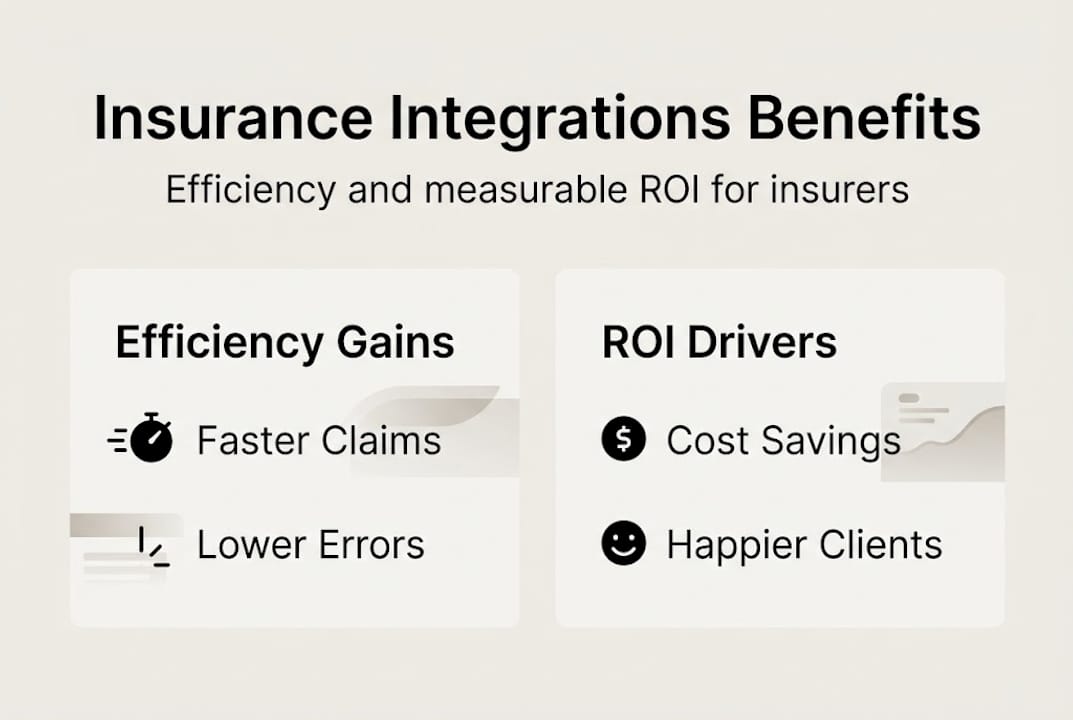
AI for churn prediction and claims triage, combined with renewal automation, increases touches per renewal from 1.3 to 5.8, boosting retention by 16 percentage points to 94%. Prospects contacted within five minutes convert at 21 times the rate of those contacted later. These are not incremental improvements. They are transformational shifts in what your team can achieve without adding headcount.
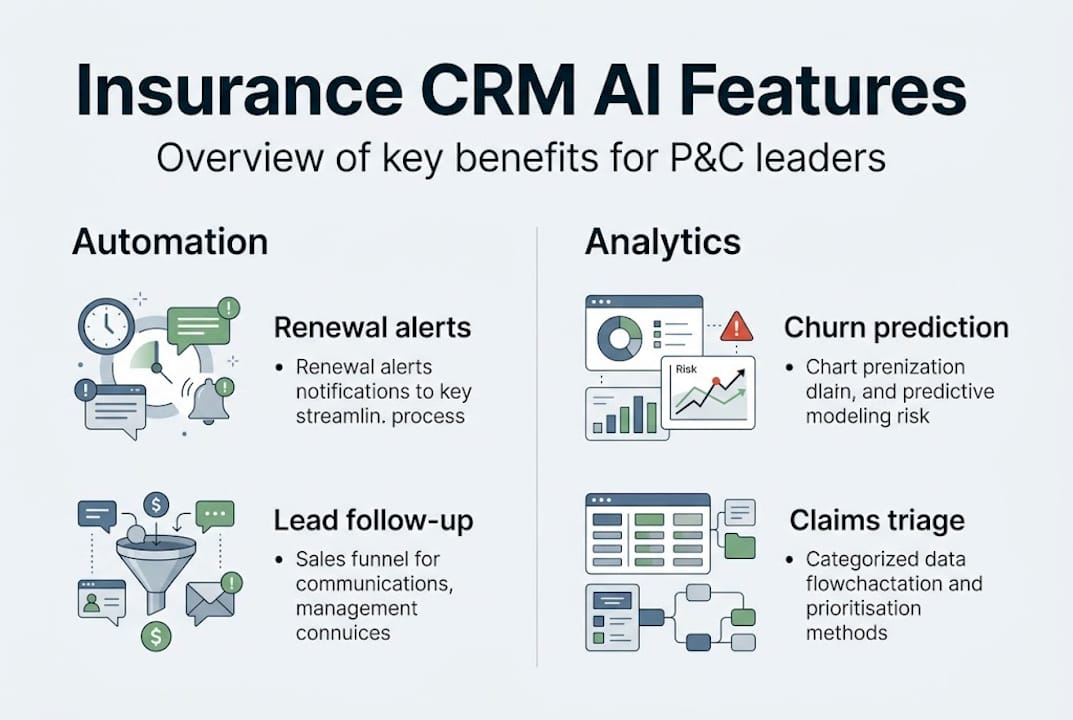
The personalisation dimension matters equally. AI personalisation in claims cuts churn by 15.7%. Top NPS insurers retain 89% of clients versus 76% for average performers. Digital-first insurers carry a 7-percentage-point retention advantage. Your CRM is the platform where all of this personalisation is delivered and measured.
Continuous improvement cycles:
The most effective P&C firms treat their CRM as a living system, not a one-time implementation. Quarterly reviews of workflow performance, conversion rates, and retention data should feed directly into configuration updates. If your 60-day renewal reminder is generating lower open rates than your 30-day reminder, adjust the sequence. If a particular endorsement workflow is generating compliance exceptions, redesign the trigger logic.
Optimising insurance CRM performance over time requires building this review cycle into your operational calendar, not treating it as a project that ends at go-live. The firms that extract the most value from their CRM investments are those that iterate continuously based on what the data tells them.
Pro Tip: Set a quarterly CRM performance review with your operations and sales leads. Review three metrics: renewal retention rate, average touches per renewal, and lead response time. These three numbers tell you most of what you need to know about whether your CRM is working.
Why most insurance CRM rollouts fall short — and how to fix it
After working with P&C insurers across multiple markets, we have seen the same failure patterns repeat. Over-customisation is the most common. Firms spend months building bespoke workflows for every edge case before the core system is even stable. The result is a fragile, expensive platform that nobody fully understands.
The second failure is change management neglect. A CRM is only as good as the data entered into it. If producers do not log calls, if underwriters bypass the endorsement workflow, if compliance officers keep their own spreadsheets, the system becomes a reporting tool rather than an operational one. User buy-in requires training, visible leadership commitment, and clear metrics that show staff how the CRM makes their own work easier.
The real difference-maker is objective measurement from day one. Define your success metrics before go-live: renewal retention rate, lead response time, compliance log completeness. Review them monthly. When you can see integration challenges in CRM clearly in the data, you can fix them before they become cultural problems. The firms that succeed treat CRM adoption as an ongoing discipline, not a technology project with a completion date.
Unlock your next step with expert CRM guidance
If this guide has clarified what a well-implemented insurance CRM can do for your retention, compliance, and operational efficiency, the logical next step is seeing it in action within a P&C context. IBA’s IBSuite platform delivers a fully integrated CRM alongside policy administration, claims, billing, and underwriting in a single cloud-native environment. That means no integration gaps, no duplicate data entry, and no compliance blind spots. Our team works with P&C insurers to configure workflows, connect existing systems, and build the automation sequences that drive measurable retention gains. Book a personalised demo to see how IBSuite can accelerate your CRM strategy from plan to production.
Frequently asked questions
What is the biggest challenge when switching to an insurance CRM?
The biggest challenge is integrating the CRM with core policy and claims systems while keeping staff workflows and compliance in sync. AMS integrations with platforms such as Applied Epic and AMS360 are typically the most complex and time-consuming to configure correctly.
How does automation improve client retention for P&C insurers?
Automation raises the number of personalised touches per renewal, significantly boosting client retention rates and conversion. Renewal automation increases touches per renewal from 1.3 to 5.8, lifting retention by 16 percentage points to 94%, with prospects contacted within five minutes converting at 21 times the standard rate.
Which CRM integrations are essential for compliance in insurance?
Integrations with compliance logging, AMS, and role-based permissions are critical to ensure regulatory accuracy. Compliance logging for E&O and granular role-based permissions are the two most frequently cited gaps when insurers audit their CRM configurations post-implementation.
What AI features matter most in insurance CRMs?
AI features that help with churn prediction, claims triage, and personalising client engagement have the biggest operational impact. AI personalisation in claims alone cuts churn by 15.7%, making it one of the highest-return investments within a modern insurance CRM.
How quickly can an insurer see ROI from a new CRM?
Many insurers report improved retention and efficiency within the first policy year if workflows and automations are set up thoroughly. First-year retention is typically the hardest cohort to improve, so firms that automate onboarding and early engagement sequences see the fastest measurable returns.